
Guide
Adding Additional Menu Items
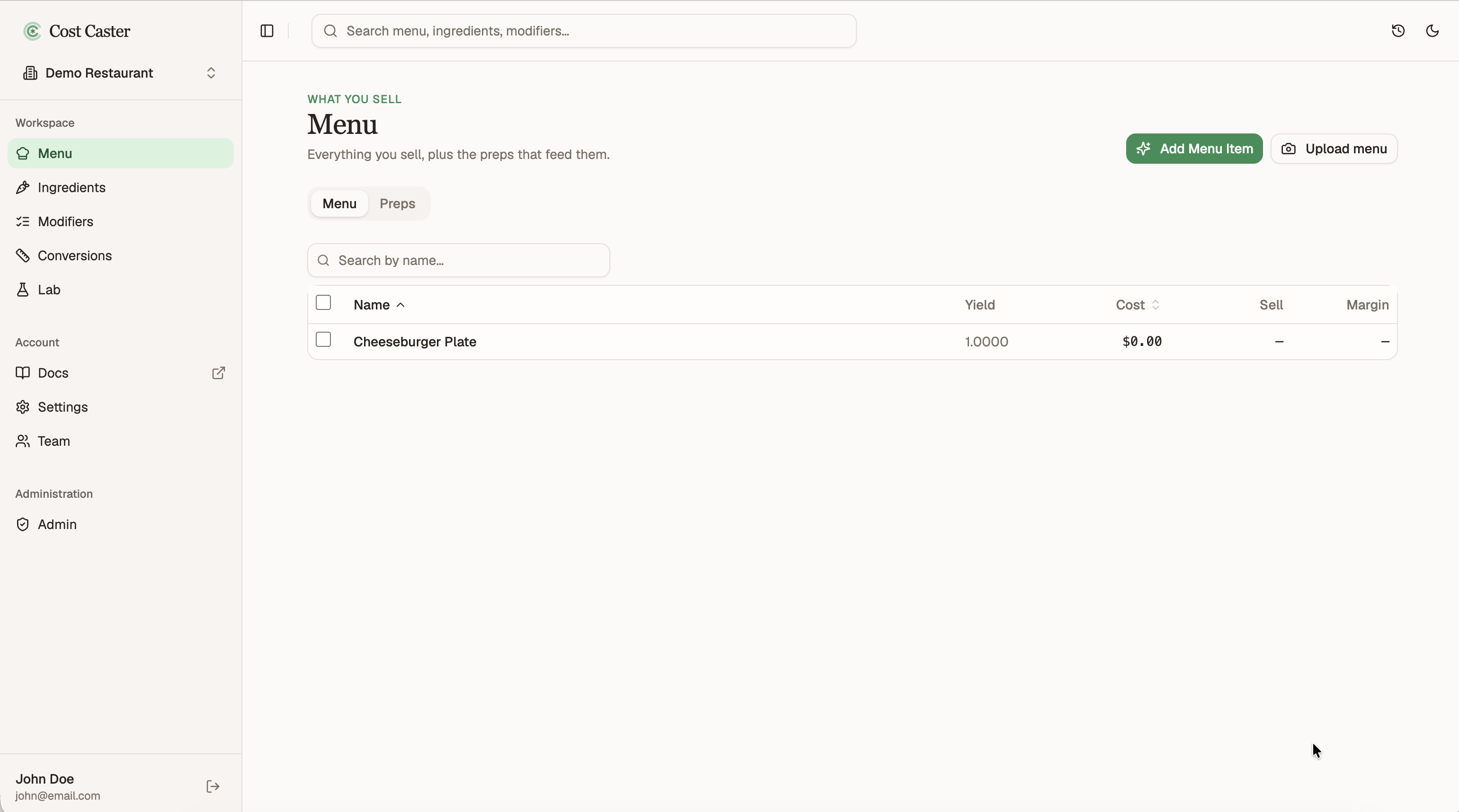
Your Menu already has your first item. Adding the next one is where the work you put in earlier starts to pay off, because most of what a new dish needs is already built.
Open the Menu from the left sidebar to see what you have so far.
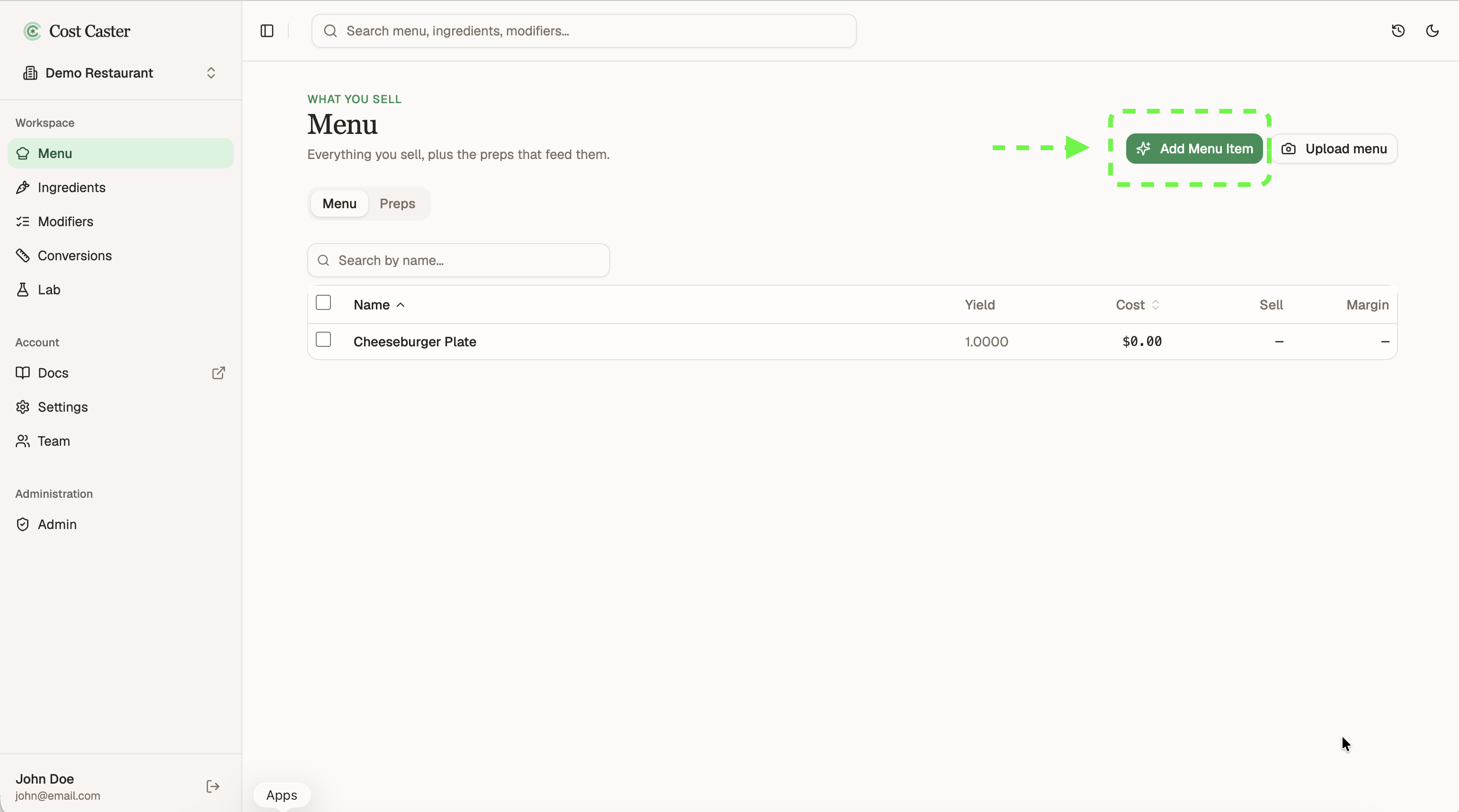
Click Add in the top right, just like before. You land back in the same short conversation, ready to describe the next dish.
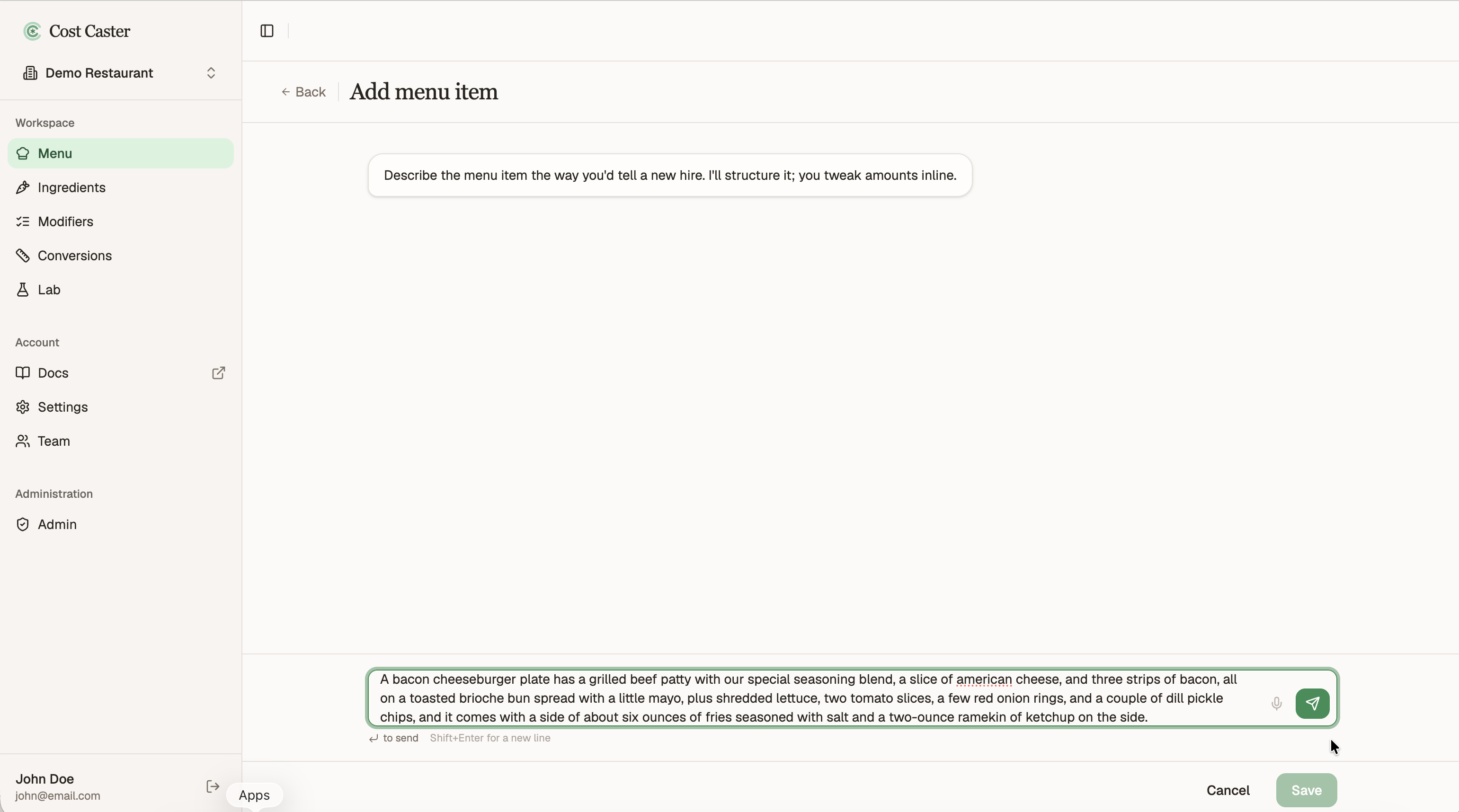
Describe it in plain language. We will add a bacon cheeseburger plate, which shares almost all of its parts with the cheeseburger plate from the first guide.
A bacon cheeseburger plate has a grilled beef patty with our special seasoning blend, a slice of american cheese, and three strips of bacon, all on a toasted brioche bun spread with a little mayo, plus shredded lettuce, two tomato slices, a few red onion rings, and a couple of dill pickle chips, and it comes with a side of about six ounces of fries seasoned with salt and a two-ounce ramekin of ketchup on the side.
This is the heart of adding more items. Cost Caster recognizes the parts you have already built and reuses them instead of making duplicates. The burger patty, the fries, the toasted bun, and the house seasoning all come straight from your existing menu. Only the genuinely new part, the bacon, comes in fresh.
Reused lines point at the same definition you already have, so they are not copies. They are the same building block, shared between both plates.
When a line matches something you already make, link it to the existing item rather than building a new one. That keeps a single source of truth, so a change in one place flows to every item that uses it.
Reuse an existing prep. The burger patty and the fries are already on your menu, so point this plate at the ones you have instead of recreating them. Cost Caster usually spots the match for you, and you can confirm or pick the existing prep yourself.
Add a new prep once. The bacon is genuinely new, so build it here a single time. From now on it is available to drop into any other item that uses it, like a club sandwich, with no rebuild.

Once it looks right, save it. The bacon cheeseburger plate joins your Menu, sharing its patty, bun, fries, and seasoning with the cheeseburger plate you built first.
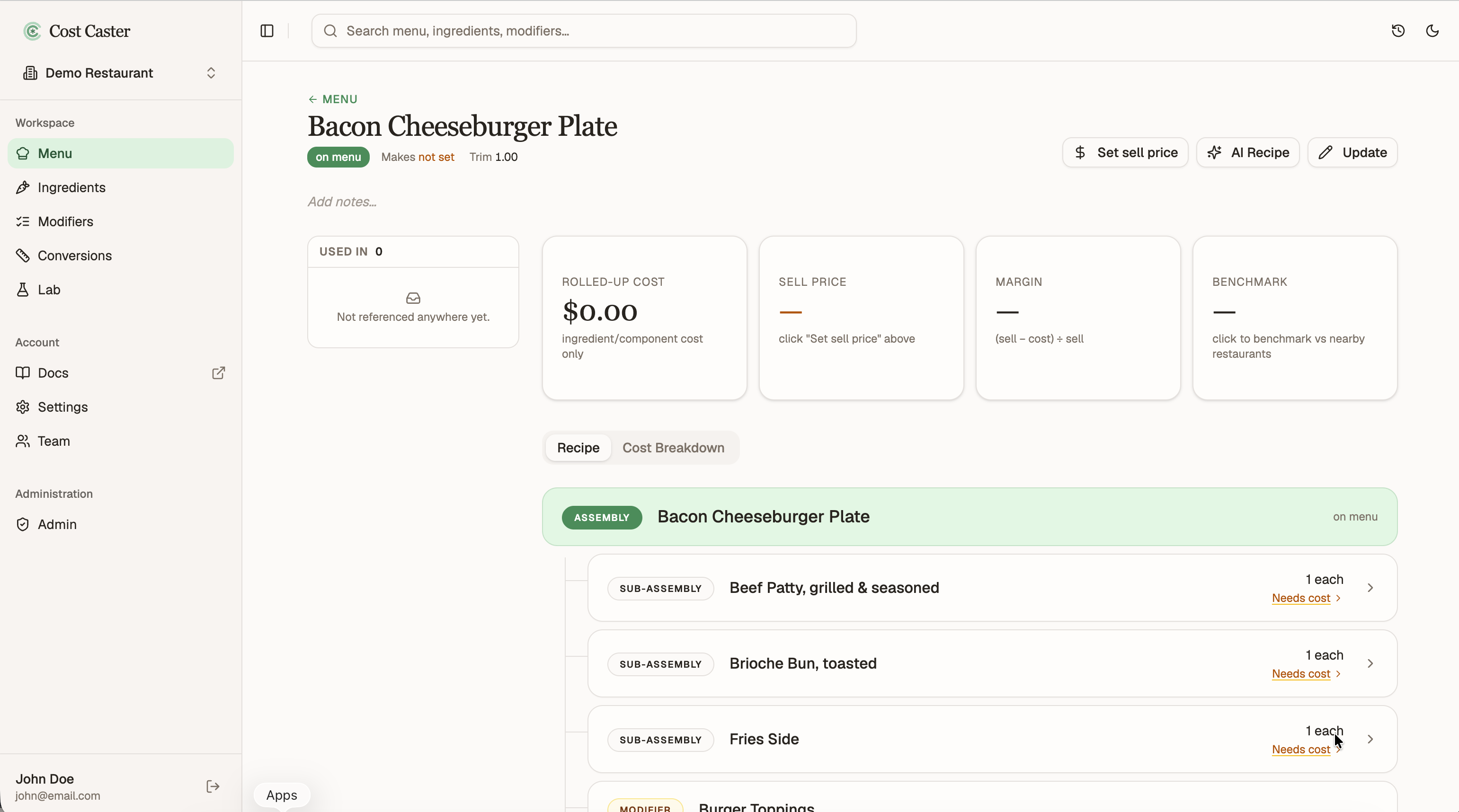
Saving opens the item’s detail page. Because the shared parts are linked, not copied, updating the patty or the house seasoning once updates every item that uses it, with no rework.
That is the payoff of reusing what exists. We will come back to this page later to set the sale price, and to work through costing all the ingredients and sub-assemblies that build up the cost.